

Skip to content
View in the app

A better way to browse. Learn more.

Lightning Scriptz

A full-screen app on your home screen with push notifications, badges and more.

To install this app on iOS and iPadOS
  1. Tap the Share icon in Safari
  2. Scroll the menu and tap Add to Home Screen.
  3. Tap Add in the top-right corner.
To install this app on Android
  1. Tap the 3-dot menu (⋮) in the top-right corner of the browser.
  2. Tap Add to Home screen or Install app.
  3. Confirm by tapping Install.
***You must have 1 (no bullshit) post to download files, and you are only allowed 1 file per day.***

[DimmmCom] AdminCP Style 2.2.7

(0 reviews)

2 Screenshots

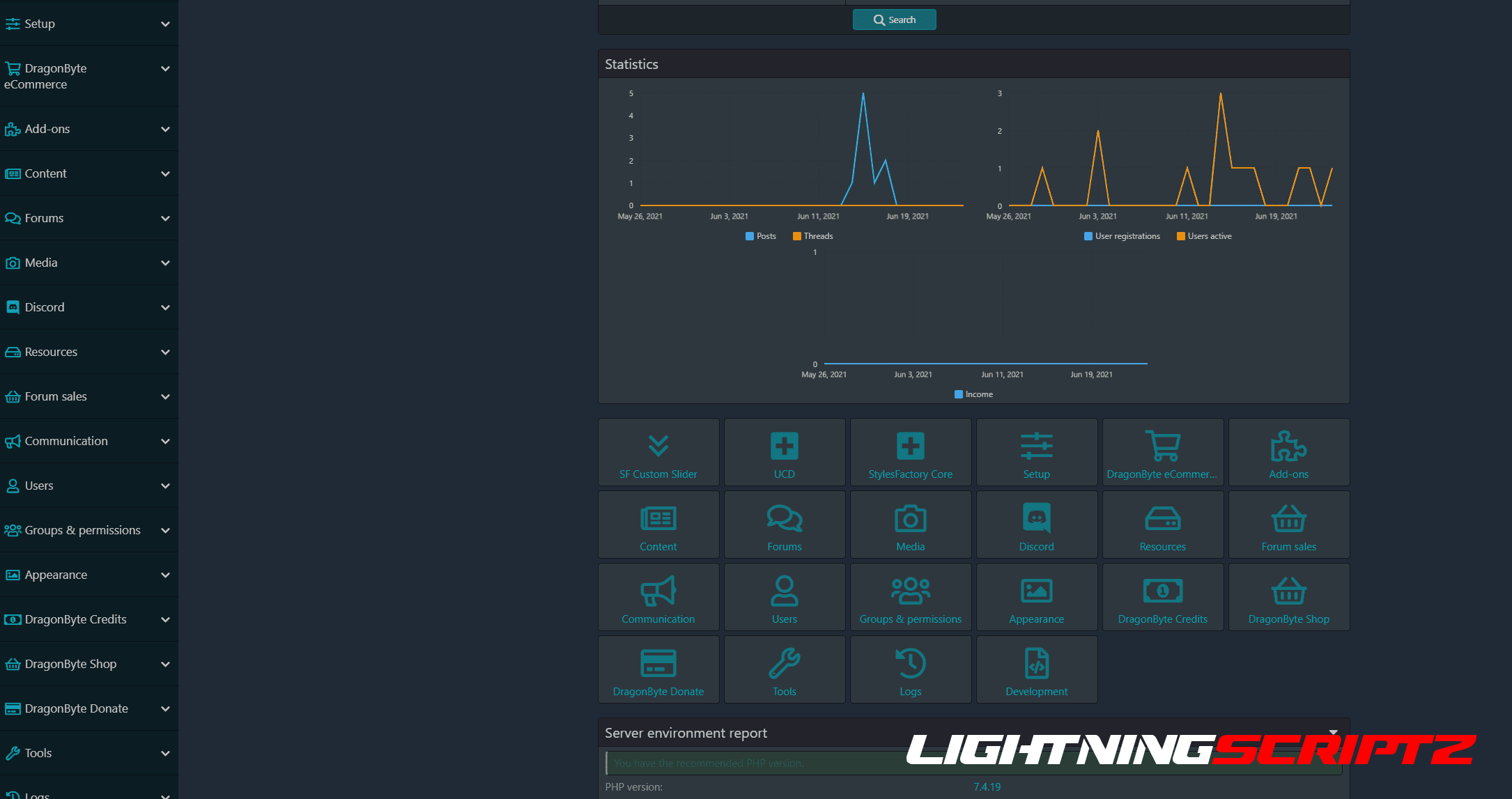
I did it for myself, but maybe someone else will come in handy, who spends a lot of time in the admin panel, editing templates. This plugin converts the control panel to a dark style.

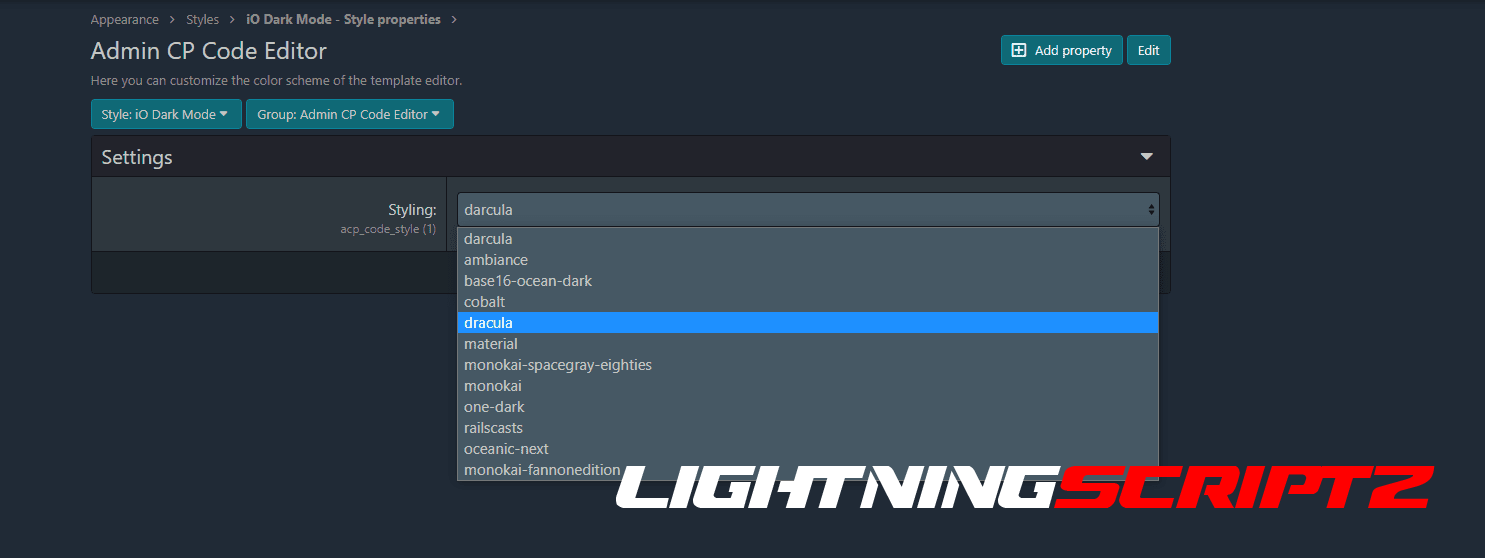
The plugin has color settings. Also, a separate setting was made for the design of the template editor (CodeMirror) with a choice of 10 styles. All of these settings only change in master style, so developer mode is needed to change.

Make your Admin Control Panel have Dark Theme!

User Feedback

You may only provide a review once you have downloaded the file.

There are no reviews to display.

Account

Navigation

Search

Search

Configure browser push notifications

Chrome (Android)
  1. Tap the lock icon next to the address bar.
  2. Tap Permissions → Notifications.
  3. Adjust your preference.
Chrome (Desktop)
  1. Click the padlock icon in the address bar.
  2. Select Site settings.
  3. Find Notifications and adjust your preference.