




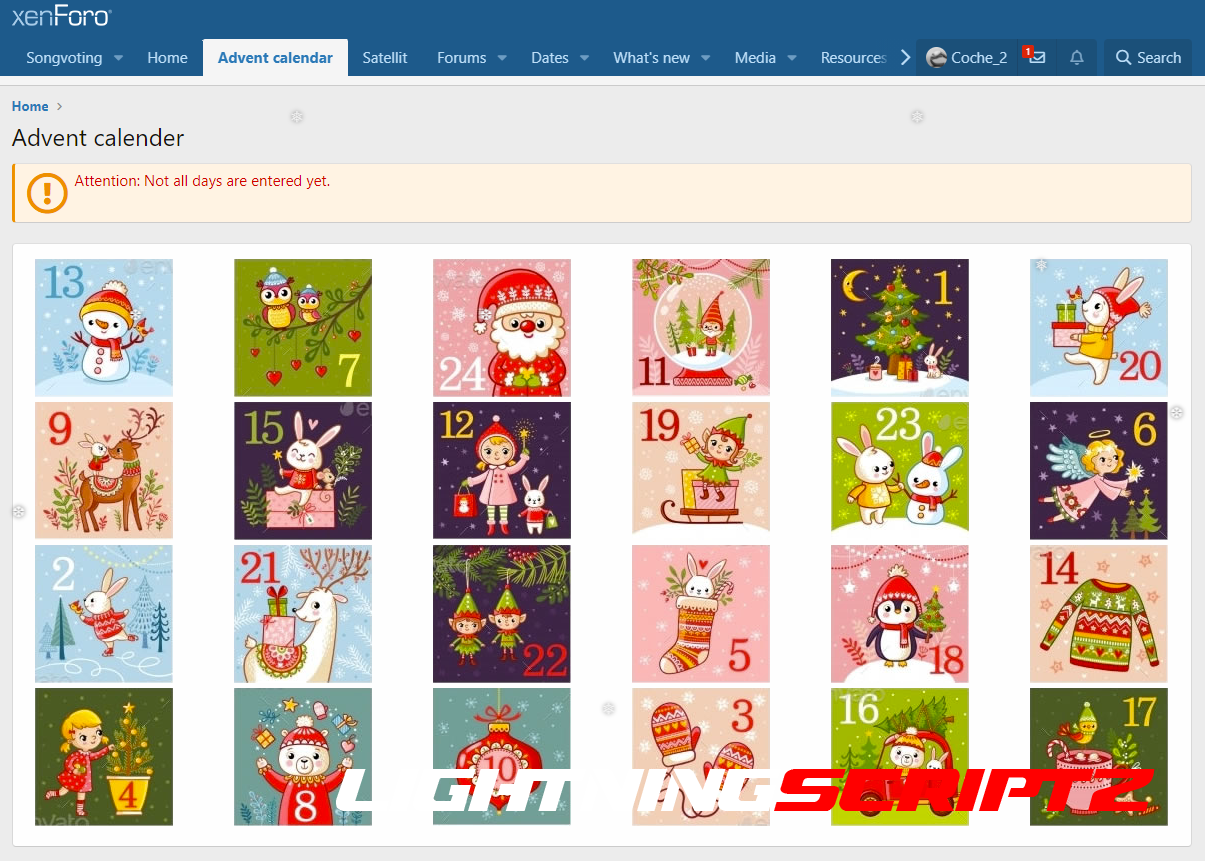
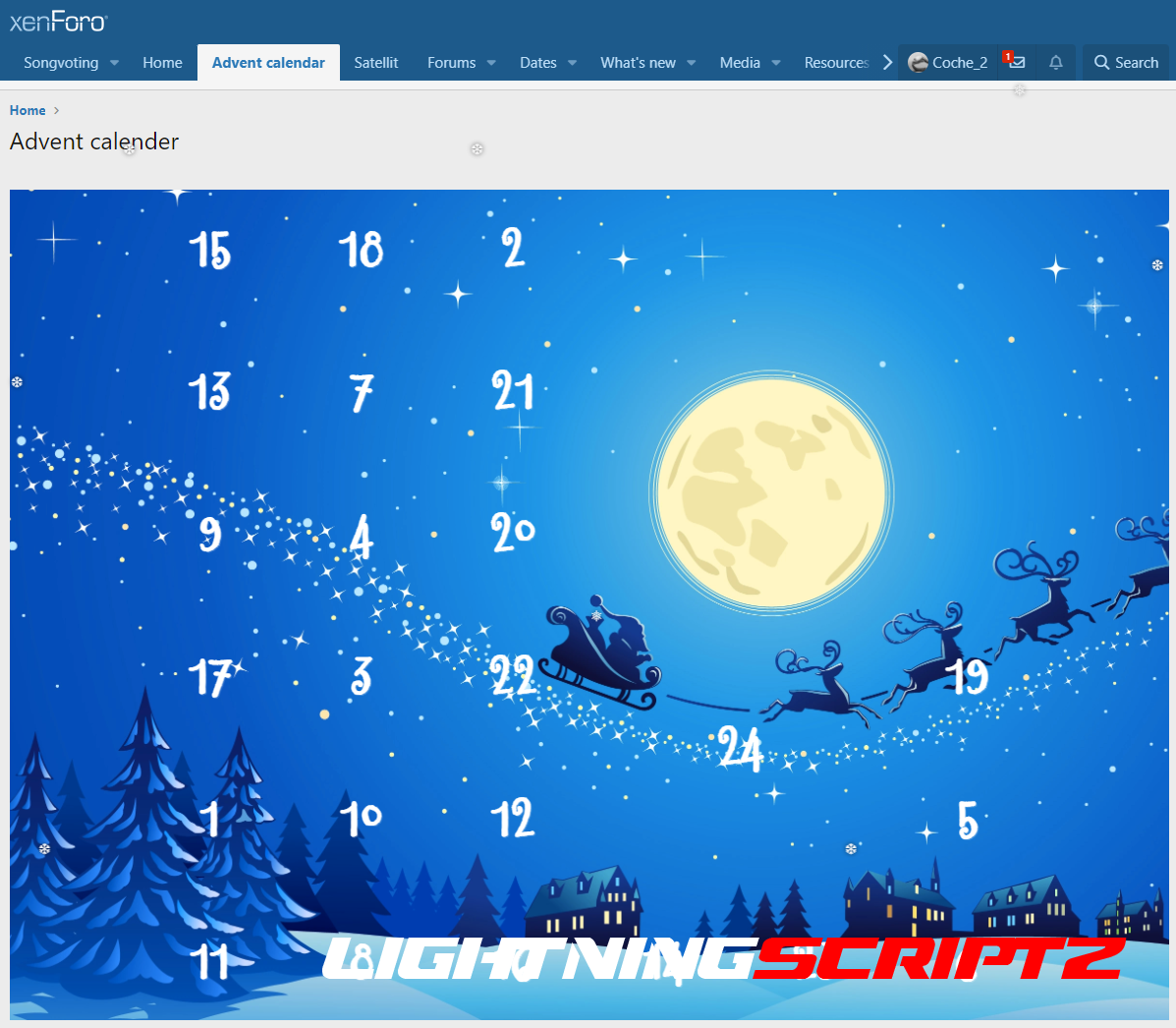

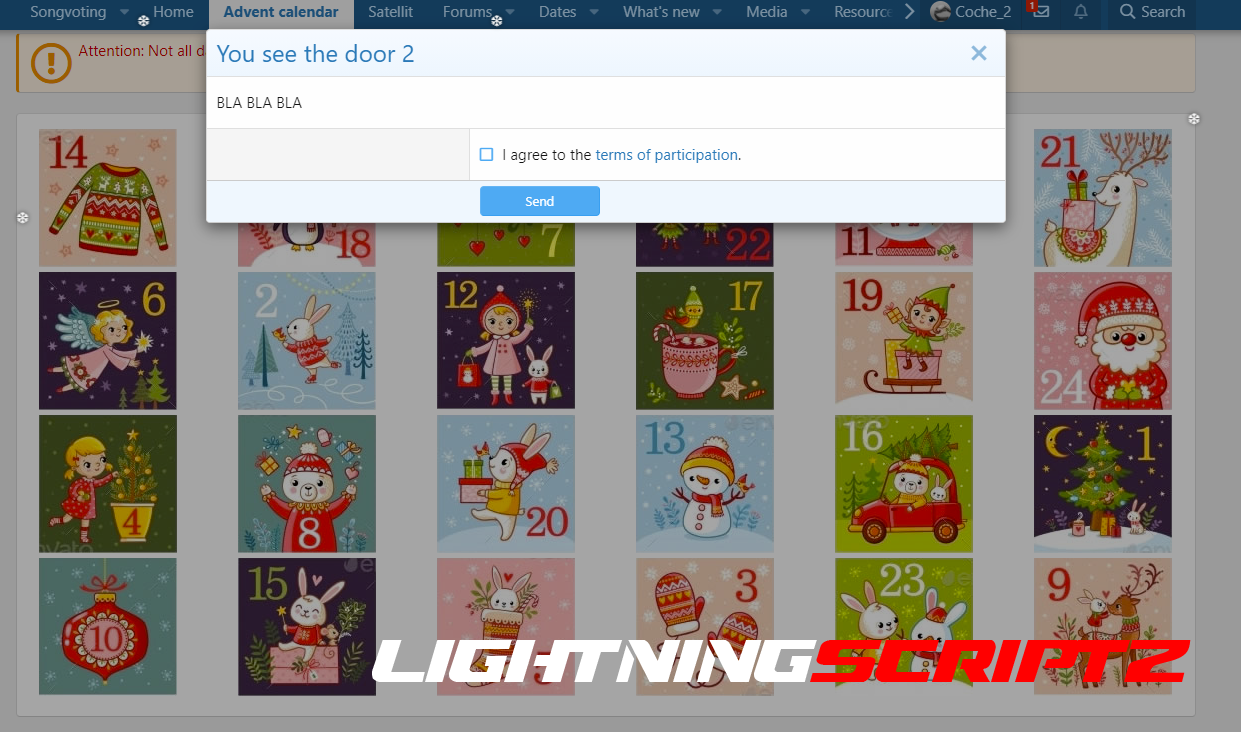

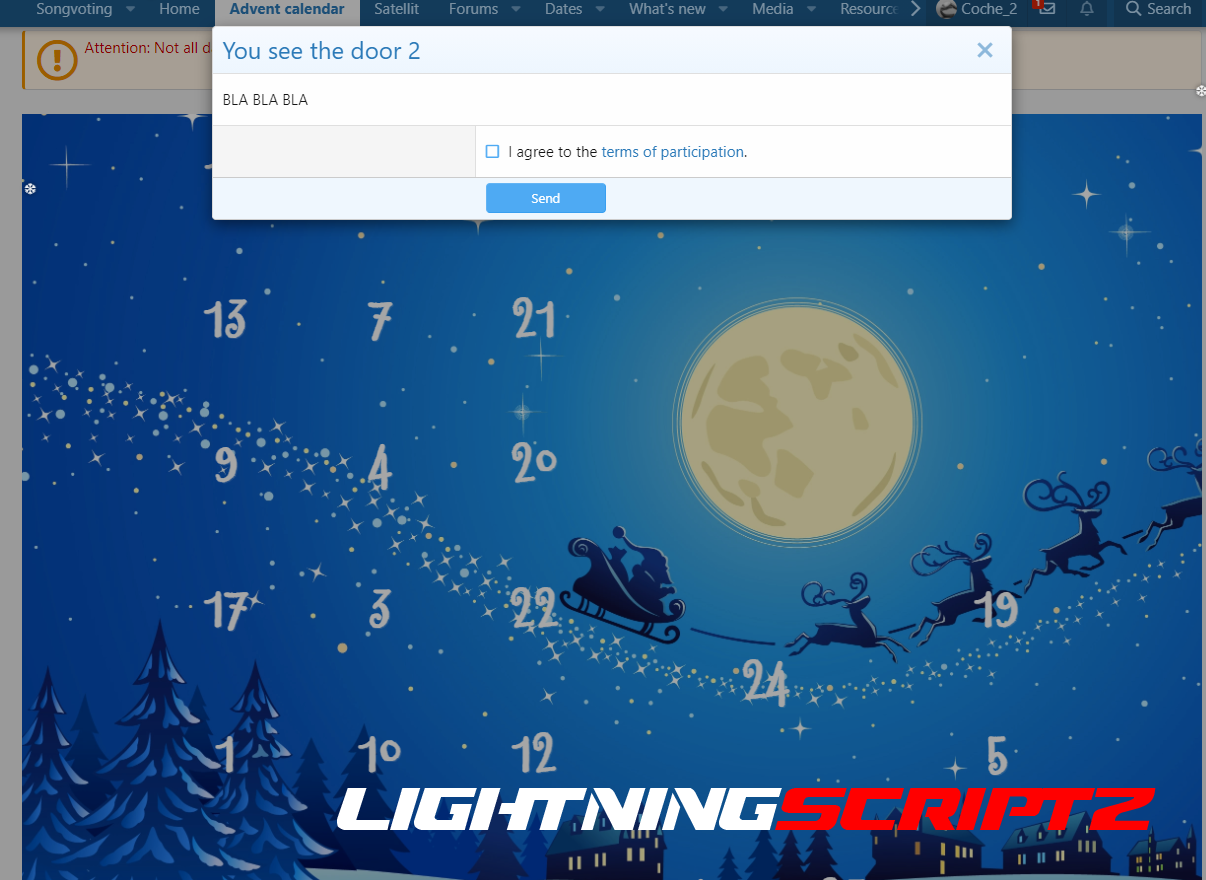





With this add-on you can present your users an advent calendar.
Features:
- 2 calendar modes (image & set*)
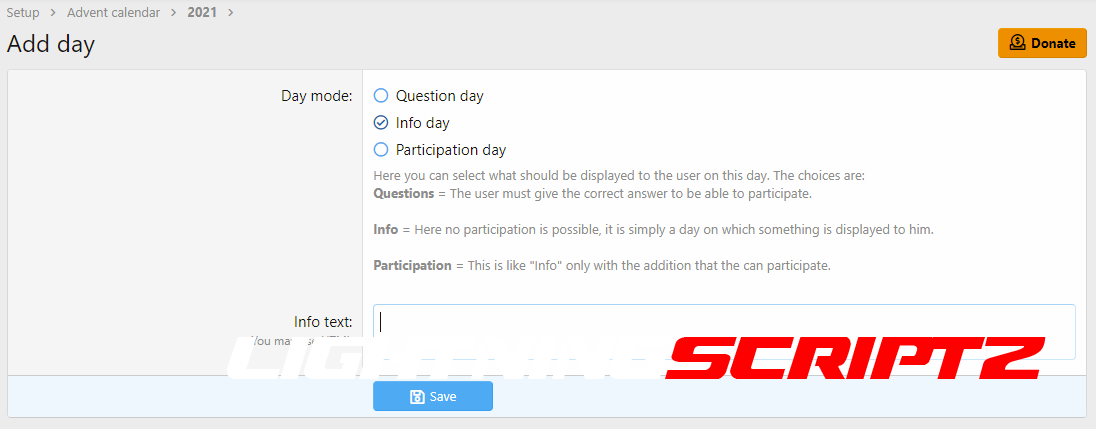
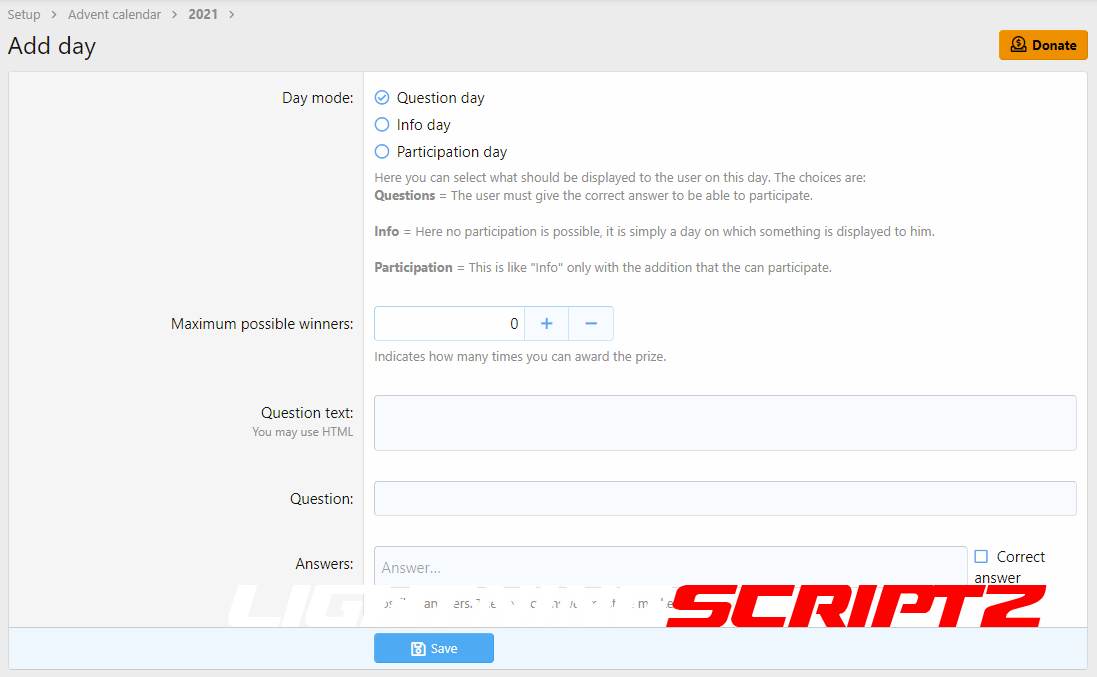
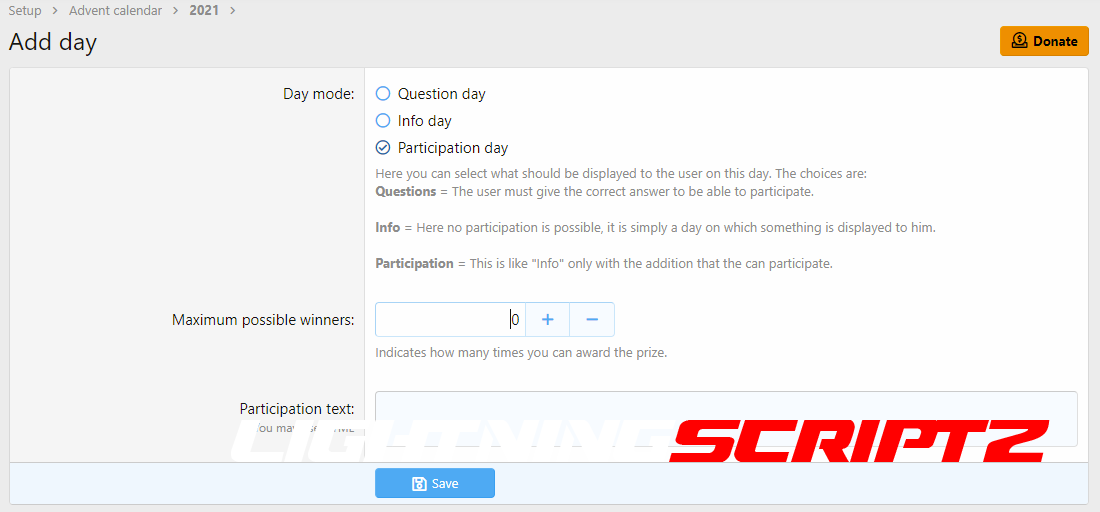
- There are 3 possible options for a door:
- a) Simple info text
- b) Question/answer game (With checkbox to confirm the conditions of participation. With link to a help page.)
- c) Simple participation (With checkbox to confirm the conditions of participation. With link to a help page. )
- In the texts the variable {username} is possible
- For each day, the choice of whether the user must accept the conditions of participation
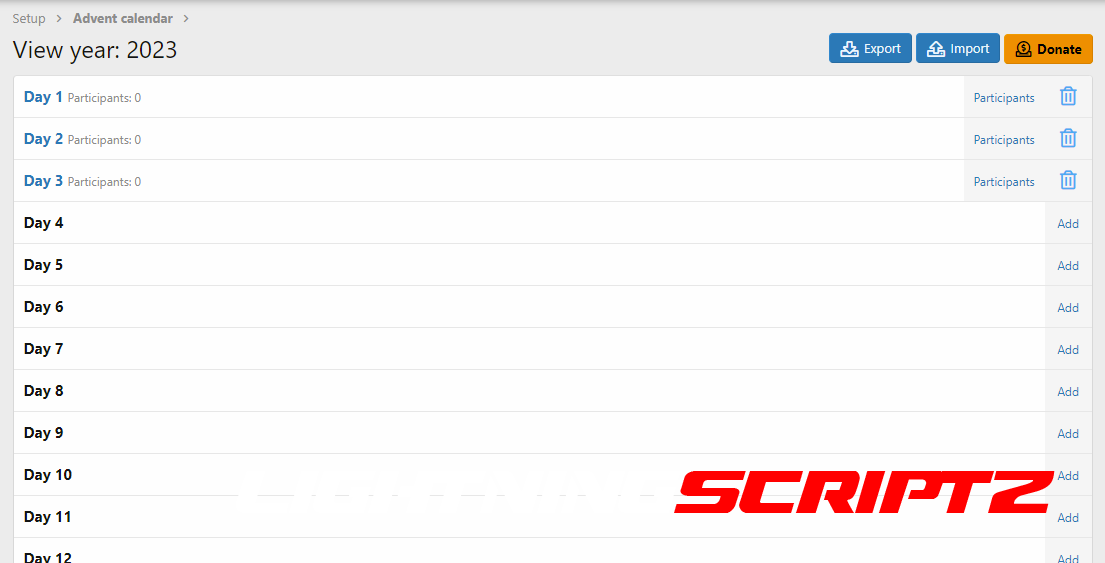
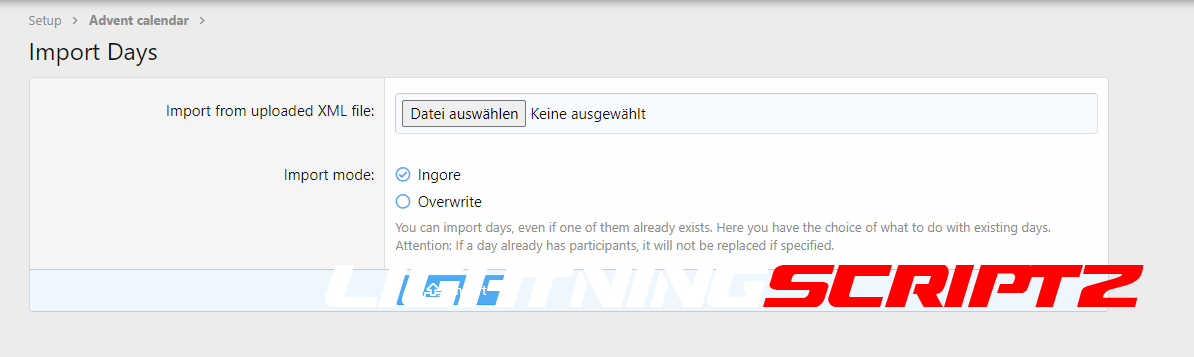
- Import / Export days
- When creating a new year, there is the possibility to do this based on the data of another year.
- List of participants
- Captcha for question and participation days.
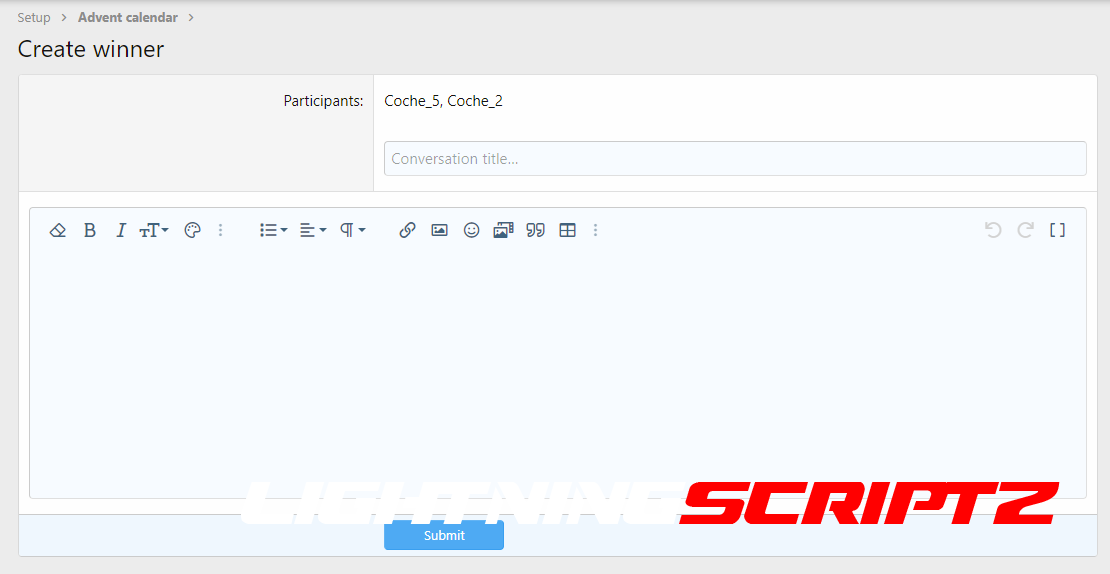
- Generation of the winners and sending of a PN to the winners.
- Participants may be excluded prior to winner generation.
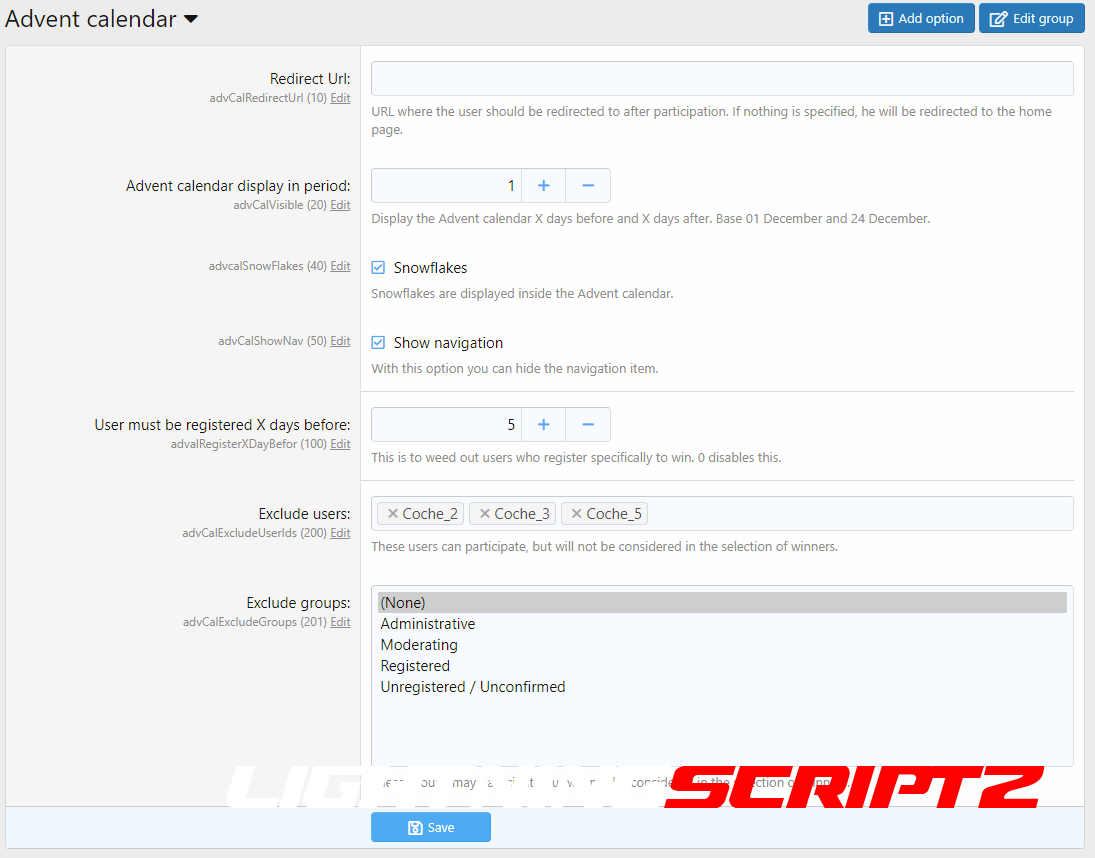
- Option to exclude certain users from winning but still be able to play.
- Option to exclude certain groups from winning but still be able to play.
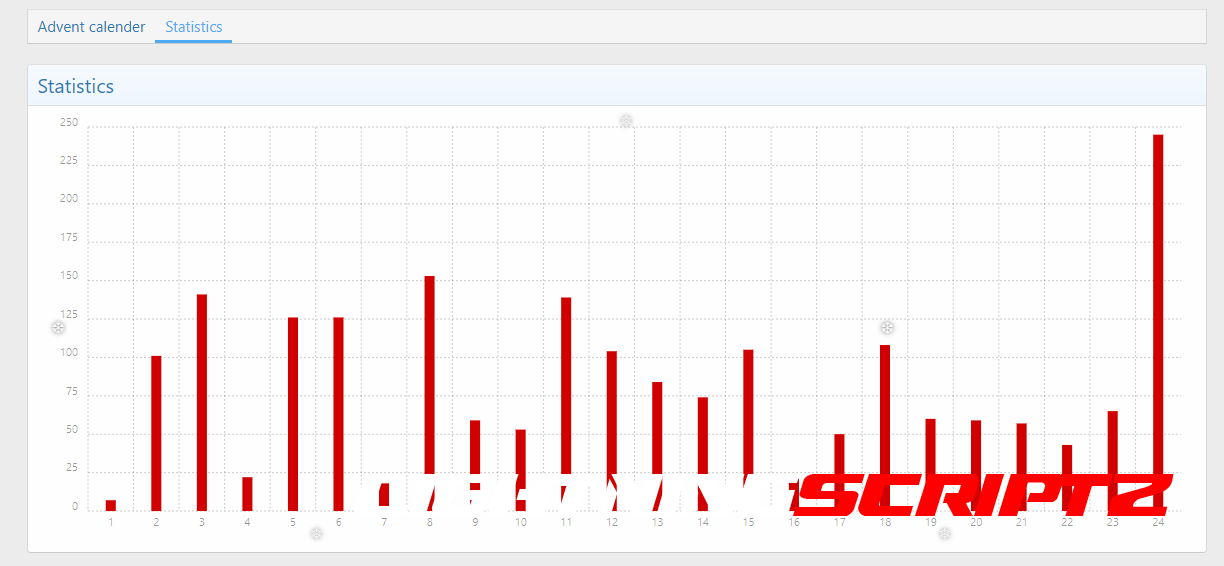
- Statistics in the frontend
- Statistics based on permission
- Navigation entry is optional
- Snowflakes function
- Countdown page until the start of the Advent calendar
-
and many other options
You may only provide a review once you have downloaded the file.
There are no reviews to display.