Skip to content
View in the app

A better way to browse. Learn more.

Lightning Scriptz

A full-screen app on your home screen with push notifications, badges and more.

To install this app on iOS and iPadOS
  1. Tap the Share icon in Safari
  2. Scroll the menu and tap Add to Home Screen.
  3. Tap Add in the top-right corner.
To install this app on Android
  1. Tap the 3-dot menu (⋮) in the top-right corner of the browser.
  2. Tap Add to Home screen or Install app.
  3. Confirm by tapping Install.
***You must have 1 (no bullshit) post to download files, and you are only allowed 1 file per day.***

Abyss 2.2.9.0.0

(0 reviews)

1 Screenshot

447.png.1915bebe4e7d3866e07023b92ab42928.png.de3e19de86746b8024b3f8ee1b34cec6.png


Based off it’s XenForo 1 successor, Abyss still brings many of the same features to XenForo 2.

Features include a flat, modern design with a hand-crafted and detailed interface design which is integrated with UI.X 2.

Abyss brings it’s darker look which suitable for any forum along with many different abilities that allow you to switch out the background image, a node grid management system, and so much more which was offered in it’s XenForo 1 version.

Abyss Features

highly-customizable.png.23d71657e409699a74c932189dd6d9c2.png

material-google.png.983882e3422cff27147549504e9f81d2.pngcolor-change.png.ff2e83f2ad017193ca99dc65553b814e.png

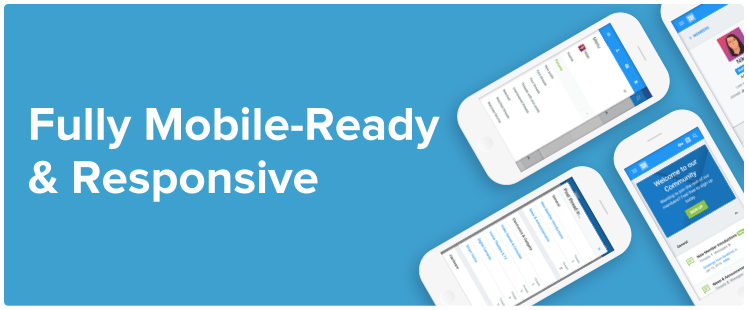
fully-responsive.png.a688c8c3eff5fec5551c14f2b6450a99.png

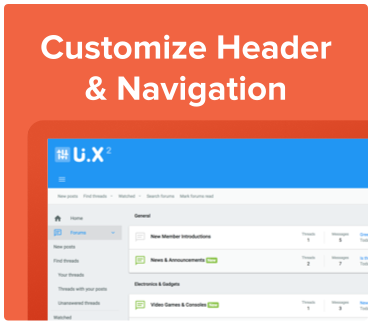
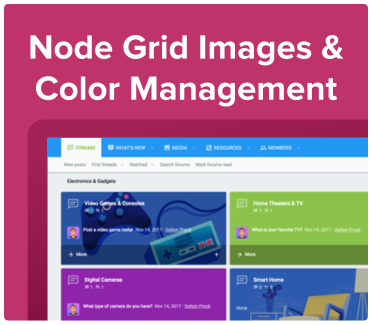
header-navigation.png.32e133e7afb2746020b86732ebdb441c.pngnode-grid-management.png.897453bb9440c424969dfce8f41d9987.png

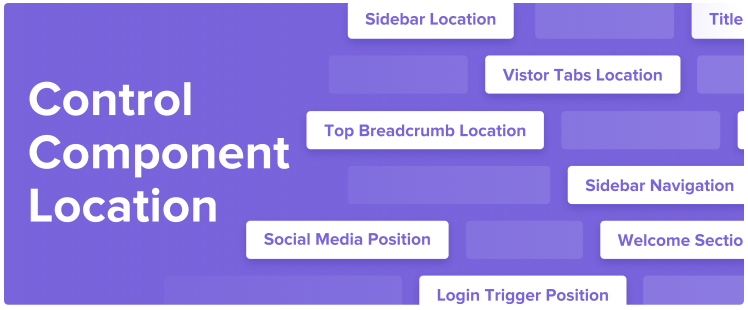
component-location.png.283e5af888adc2083300068a06ea3e42.png

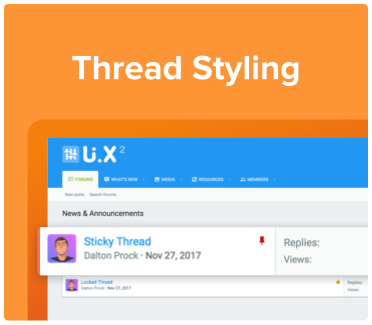
logo-options.png.1fae475e33b7705c78f3f5a90ead24bf.pngthread-styling.png.f3ff4385e67593af888ac7d950069713.png

icons.png.235a6b9310a65ed1d43256954c99e539.png

[TH] Nodes Included, More Coming Soon!
When purchasing Abyss, you get a free [TH] Nodes license. It is automatically created after you checkout. You can learn more about [TH] Nodes here.

More Abyss Features:
Standard, floating, or sticky navigation and userbar
Flat modern design
Dozens of different search bar and navigation position variations
Collapsible nodes, sidebar, postbit, and signatures
Many types of category description types (tooltip, inline, or none at all)
Different login styles such as modal window, dropdown, and slideout
Option to remove the forum list page actions (New Posts and Post New Thread buttons)
Option to enable avatars based on Material Design's color system
Switch out the background image, node grid management, and so much more!

User Feedback

You may only provide a review once you have downloaded the file.

There are no reviews to display.

Account

Navigation

Search

Search

Configure browser push notifications

Chrome (Android)
  1. Tap the lock icon next to the address bar.
  2. Tap Permissions → Notifications.
  3. Adjust your preference.
Chrome (Desktop)
  1. Click the padlock icon in the address bar.
  2. Select Site settings.
  3. Find Notifications and adjust your preference.