

Skip to content
View in the app

A better way to browse. Learn more.

Lightning Scriptz

A full-screen app on your home screen with push notifications, badges and more.

To install this app on iOS and iPadOS
  1. Tap the Share icon in Safari
  2. Scroll the menu and tap Add to Home Screen.
  3. Tap Add in the top-right corner.
To install this app on Android
  1. Tap the 3-dot menu (⋮) in the top-right corner of the browser.
  2. Tap Add to Home screen or Install app.
  3. Confirm by tapping Install.
***You must have 1 (no bullshit) post to download files, and you are only allowed 1 file per day.***

ClanZ Dark 2.2.4

(0 reviews)

7 Screenshots

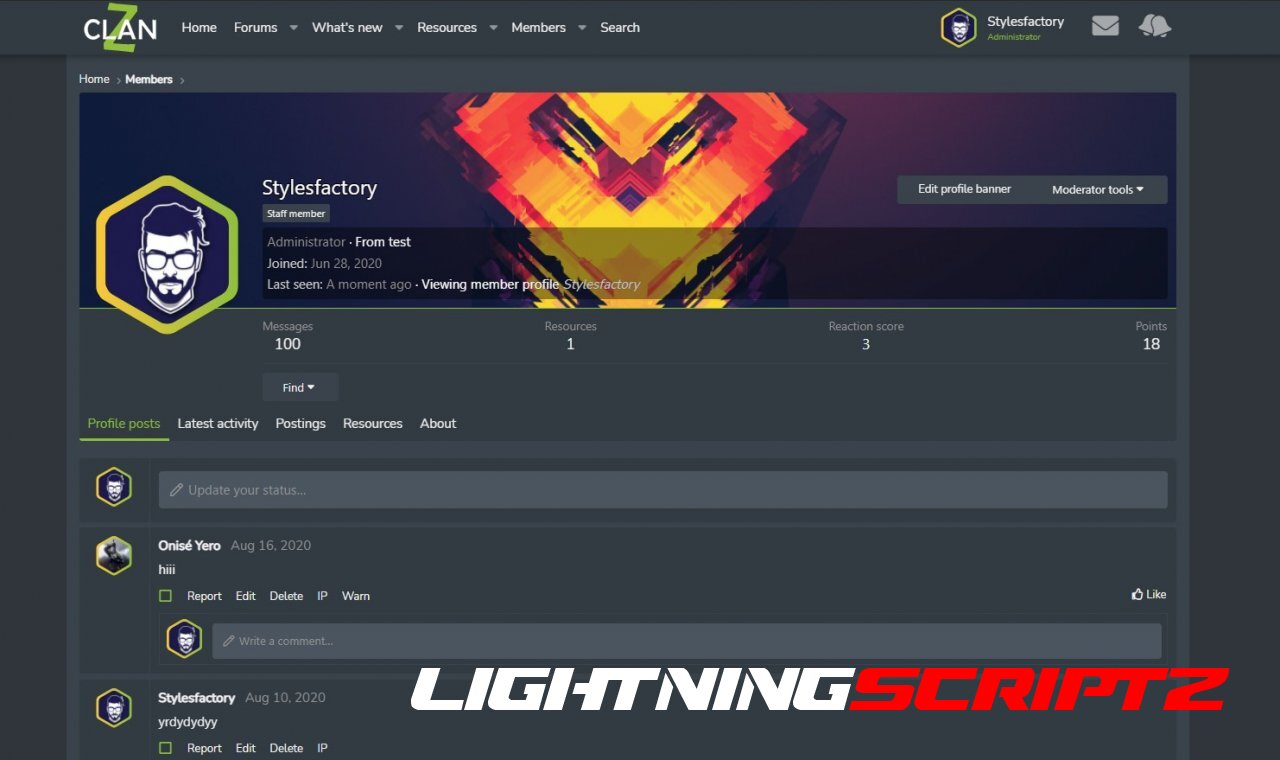
ClanZ style is mostly for gaming communities but with some small edits it can fit every need!

You can:

  • set background for node
  • set icons for each forum
  • set big content display panel with highlights
  • set logo
  • set welcome message
  • set announcement
  • set custom footer with 4 blocks
  • set 2 or 3 forum nodes in one row

Other features:

  • responsive design
  • support for font awesome icons
  • support for SVG icons
  • support for sprite icons
  • fast installation
  • unique avatar styling
  • great border hover effects

Check the demo now:

livedemo-300x77.png

User Feedback

You may only provide a review once you have downloaded the file.

There are no reviews to display.

Account

Navigation

Search

Search

Configure browser push notifications

Chrome (Android)
  1. Tap the lock icon next to the address bar.
  2. Tap Permissions → Notifications.
  3. Adjust your preference.
Chrome (Desktop)
  1. Click the padlock icon in the address bar.
  2. Select Site settings.
  3. Find Notifications and adjust your preference.