




Featured groups
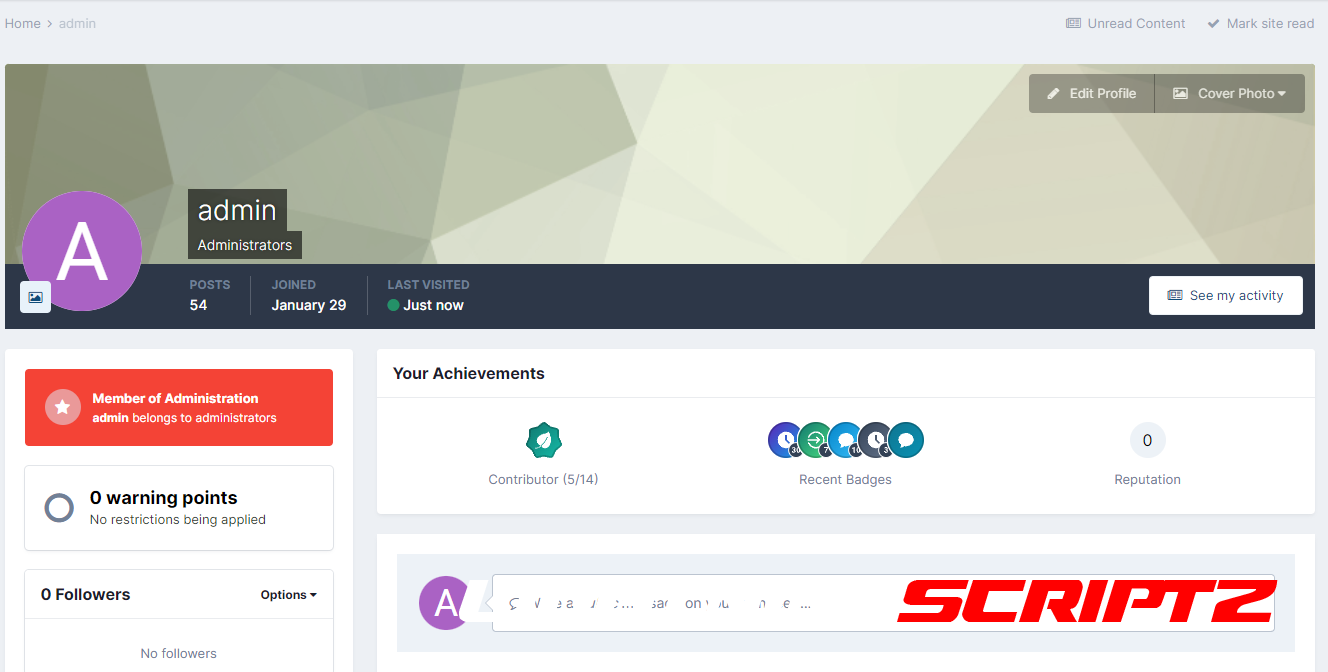
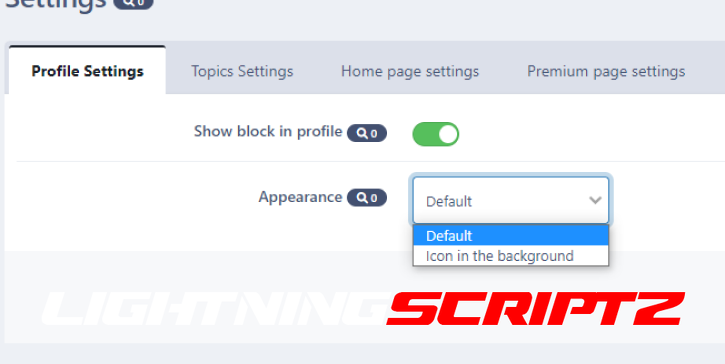
Profile Settings
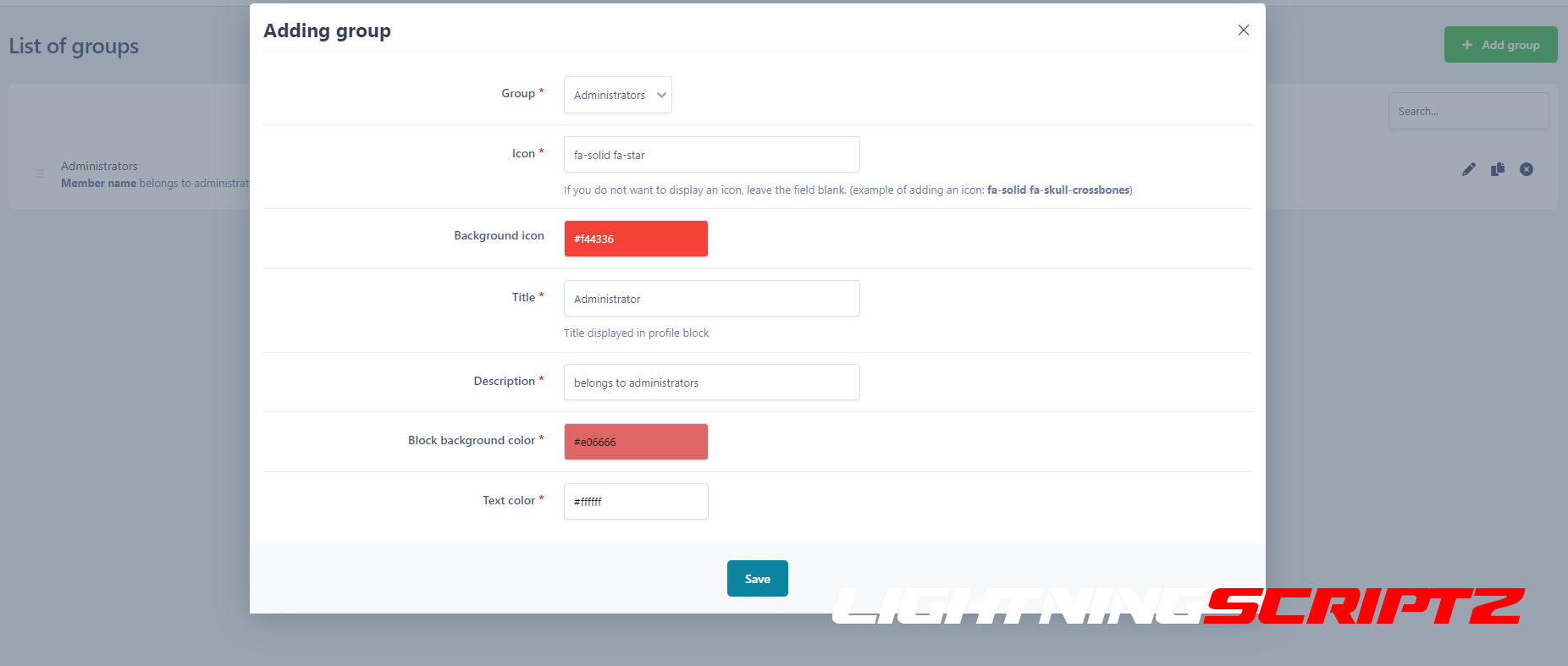
- Possibility to set an "icon" in the profile
- Choosing a badge design
Theme settings
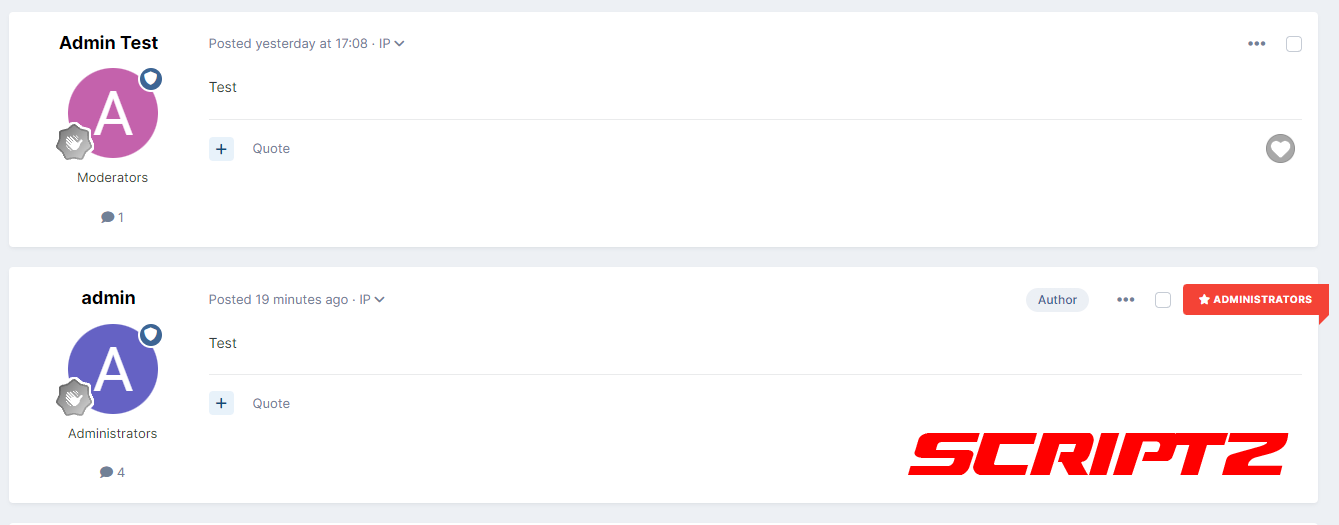
- Ability to set tape in replies
Home page settings
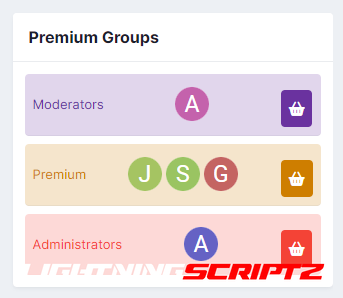
- Possibility to set an icon on the main page
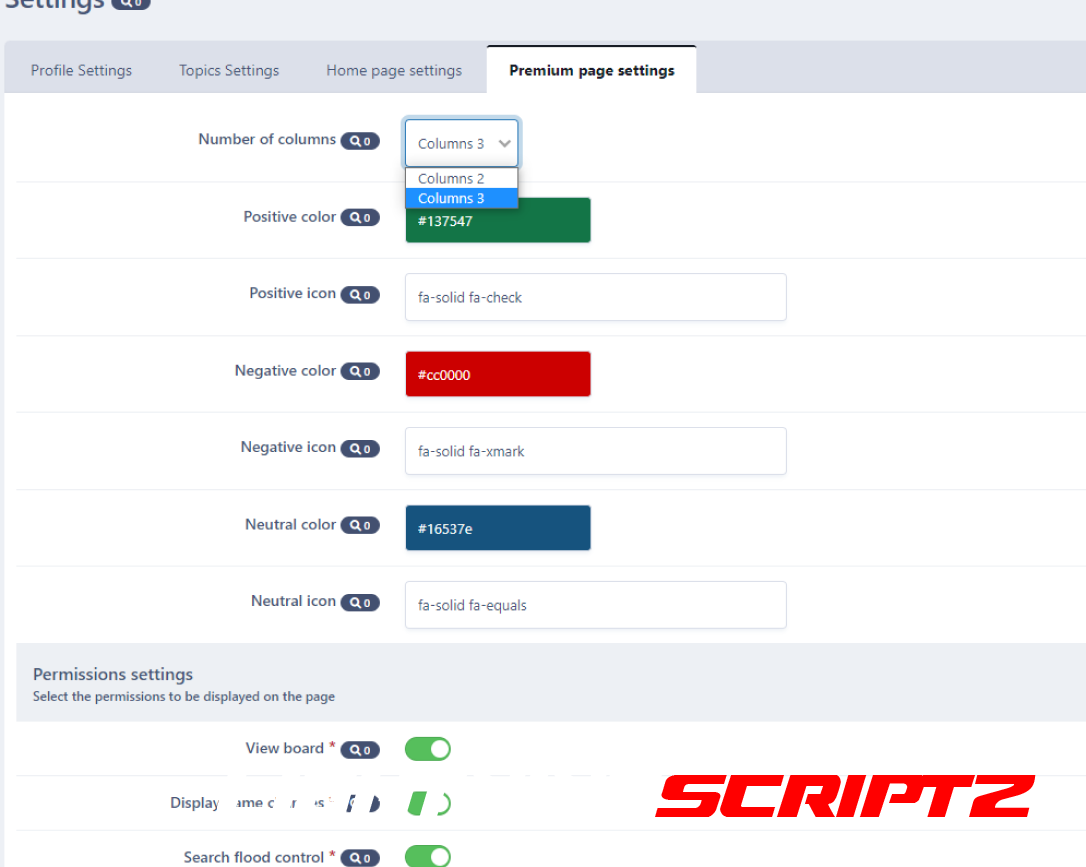
Premium page settings
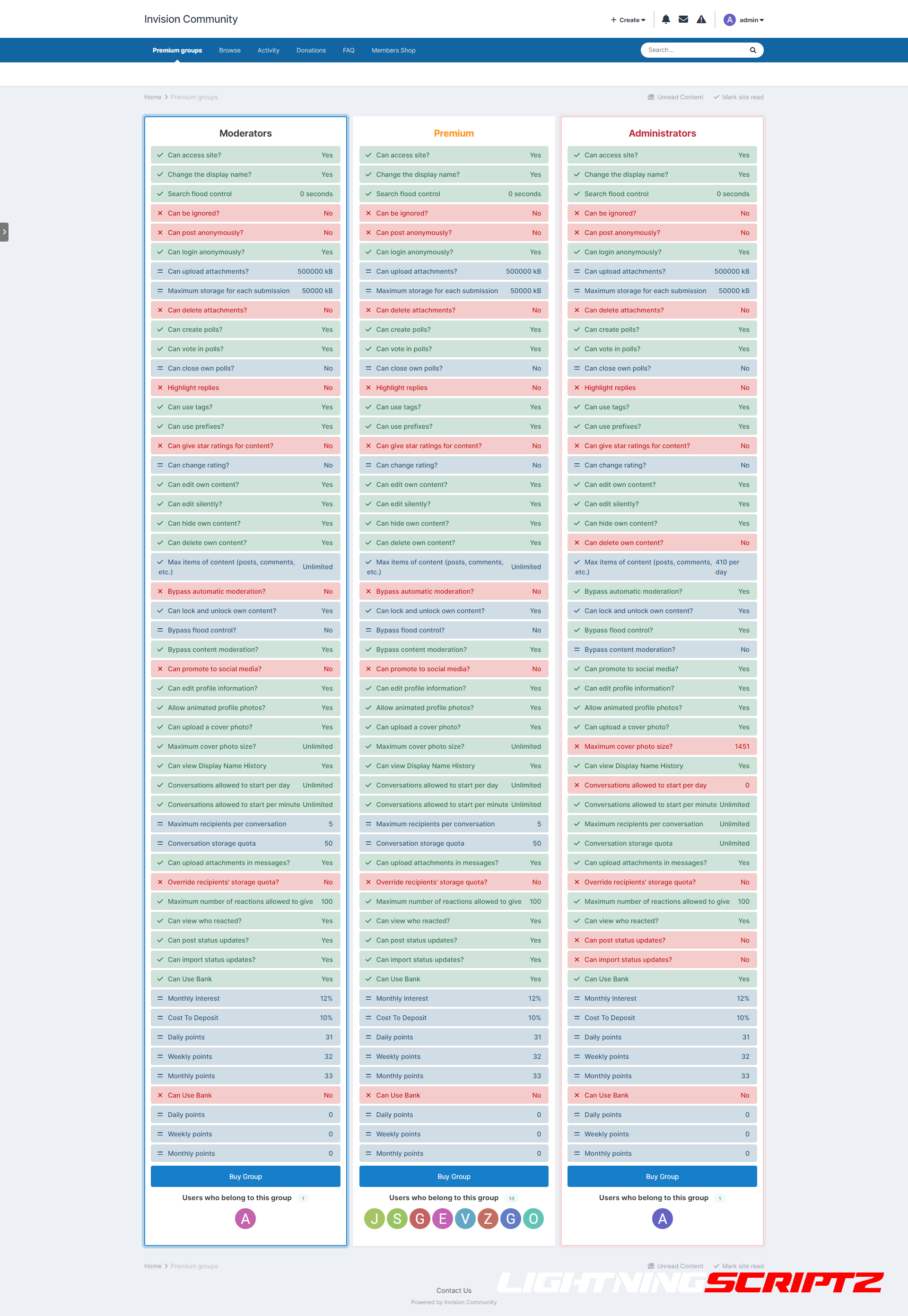
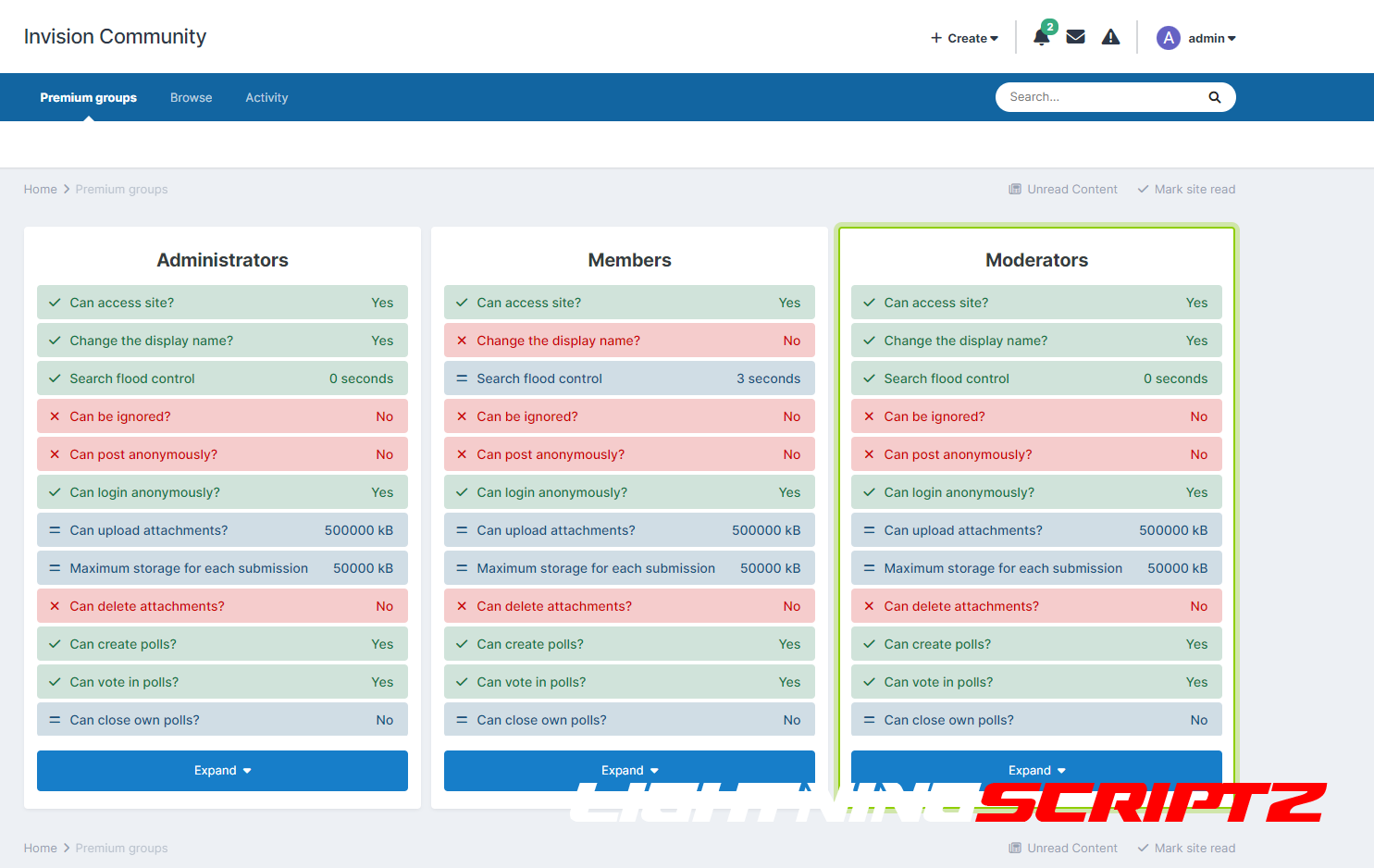
- Column customization option
- Choose a background color and text for the resolutions
- Select an icon for permissions
- List of permissions that appear on the subpage
- See the board
- Display name changes
- Combating search flooding
- You can ignore
- Can publish anonymously
- Hide online list
- Can download attachments
- Maximum storage per upload
- Can delete attachments
- Can create surveys
- You can vote in polls
- Can close its own polls
- Highlight replies
- You can use tags
- Can use prefixes
- You can change the rating
- Can give star ratings for content
- Can edit its own content
- Can be edited silently
- Can hide your own content
- Can delete its own content
- Maximum number of content items (posts, comments, etc.)
- Bypass automatic moderation
- Can block and unblock your own content
- Bypass flood protection
- Bypass content moderation
- Can be promoted on social networks
- Can edit profile information
- Allow animated profile pictures
- You can download the cover
- Maximum cover size
- Can view display history
- Conversations allowed to start on the day
- Conversations allowed to start per minute
- Maximum number of recipients per conversation
- Call retention quota
- Can download attachments to messages
- Override recipient storage quota
- Maximum number of reactions that can be given
- You can see who reacted
- Can post status updates
- Can import status updates
- And group permissions from the Members Shop app
You may only provide a review once you have downloaded the file.
There are no reviews to display.