


Skip to content
View in the app

A better way to browse. Learn more.

Lightning Scriptz

A full-screen app on your home screen with push notifications, badges and more.

To install this app on iOS and iPadOS
  1. Tap the Share icon in Safari
  2. Scroll the menu and tap Add to Home Screen.
  3. Tap Add in the top-right corner.
To install this app on Android
  1. Tap the 3-dot menu (⋮) in the top-right corner of the browser.
  2. Tap Add to Home screen or Install app.
  3. Confirm by tapping Install.
***You must have 1 (no bullshit) post to download files, and you are only allowed 1 file per day.***

News 2.4.1

(0 reviews)

9 Screenshots

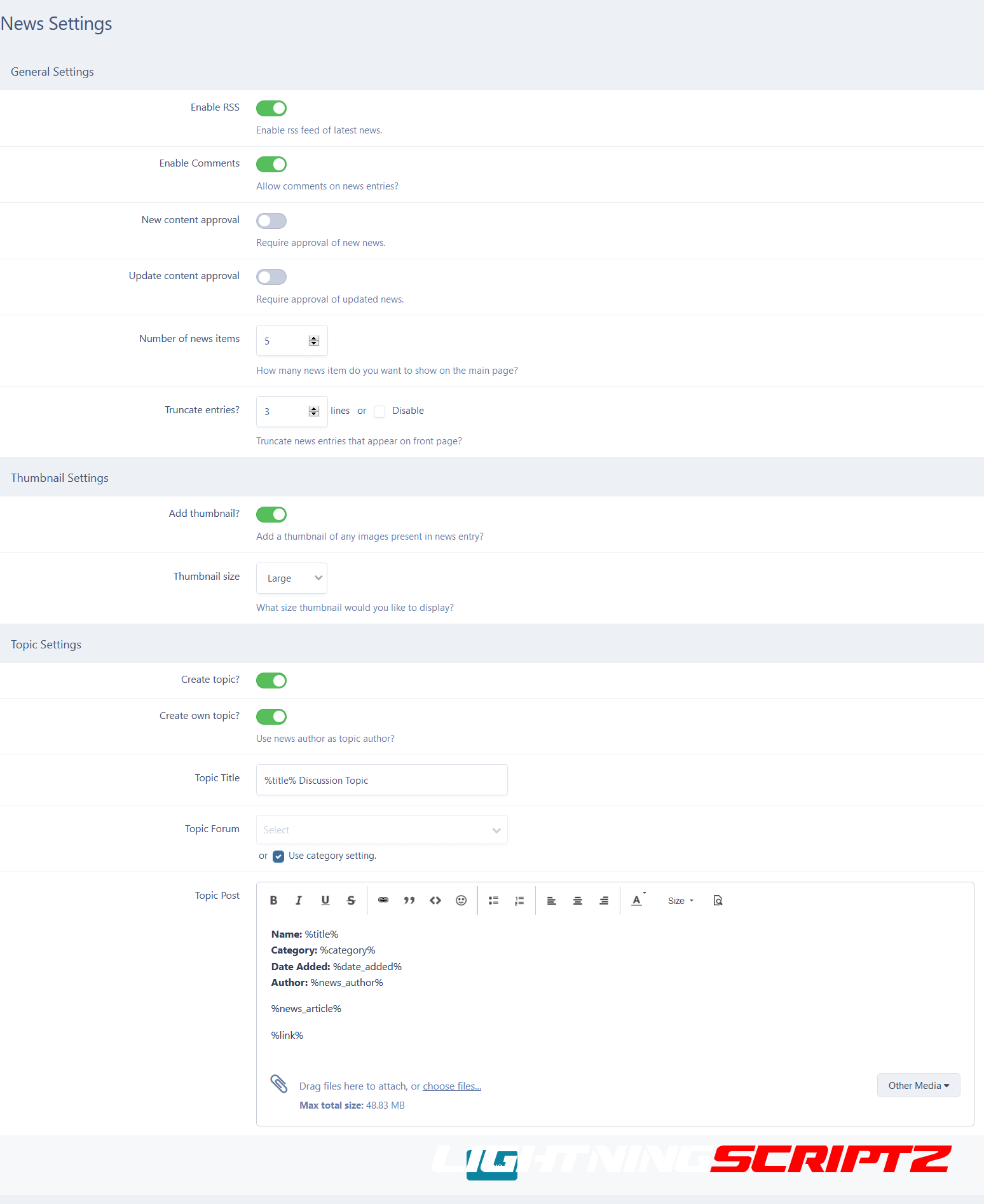
News application allows you to add news for your community.

Includes support for news categories and comments.

Click here to read my IPS Marketplace purchase guide before purchasing.

Features:

NEW RSS import news feeds into the News application.

Create discussion topics for newly created news items.

Integration with IPB share links, so news can be shared by members.

Built in support for IPB comments feature.

Group permissions for viewing, adding, updating and moderating news.

News categories and subcategories to organize news entries.

Optional RSS feed export, including support for individual RSS feeds export for each news category.

Integration with IPB follow feature, including the option to follow news entries or news categories.

Included widgets displaying the latest news on board index.

Support for the IPB search feature, including view new content support.

User Feedback

You may only provide a review once you have downloaded the file.

There are no reviews to display.

Account

Navigation

Search

Search

Configure browser push notifications

Chrome (Android)
  1. Tap the lock icon next to the address bar.
  2. Tap Permissions → Notifications.
  3. Adjust your preference.
Chrome (Desktop)
  1. Click the padlock icon in the address bar.
  2. Select Site settings.
  3. Find Notifications and adjust your preference.