4.7 Themes
28 files
-
- 0 Downloads
-
- 1 Downloads
-
- 0 Downloads
-
- 0 Downloads
-
- 0 Downloads
-
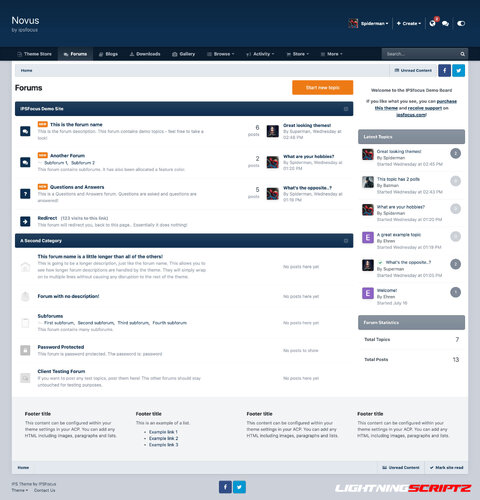
Novus is a clean, modern theme with a professional color scheme, drop-down menu, and sticky navigation. An additional background selection allows your visitors to customize the theme to their liking! This theme is built on a modern framework with minimal HTML changes, which means it will be easily (and usually automatically) updated between IPS versions.
- 1 Downloads
-
What's New in Version 4.1.0
Removed IPS 4.6 support,
Add support for IPS 4.7,
Updated swiperjs to version 8.3.0,
Update jscolor to 2.4.8.
- 15 Downloads
-
- 0 Downloads
-
Acme Theme
Choosing the font color, the theme has many settings and can be fully customized. It's perfect for all forums, beautifully displaying all site content.
Possibility to change header, slider, navigation, popus, forms, comments and much more.
What's New in Version 1.2.2
Updated the theme to IPS v4.7.1
Fixed Search Bar UI
- 2 Downloads
-
- 2 Downloads
-
- 0 Downloads
-
- 5 Downloads
-
- 2 Downloads
-
I don't have a lot of informations to share about this specific template, since is a free template I decided to share this template with invisioncommunity clients for free, feel free to use it.
Regarding updates ! This template will not receive any update anymore, if the request are high, than I will update the template for the coming versions. This specific template also works on 4.7, but there may be some bugs, for example with "Search".
This theme works with latest 4.7.5
IPS Version 4.7
- 1 Downloads
-
- 0 Downloads
-
IPS4 playing style .
What's New in Version 1.4.0
Updated to IPS 4.7.8
Update SwipeJS to 9.1.0
- 0 Downloads
-
- 1 Downloads
-
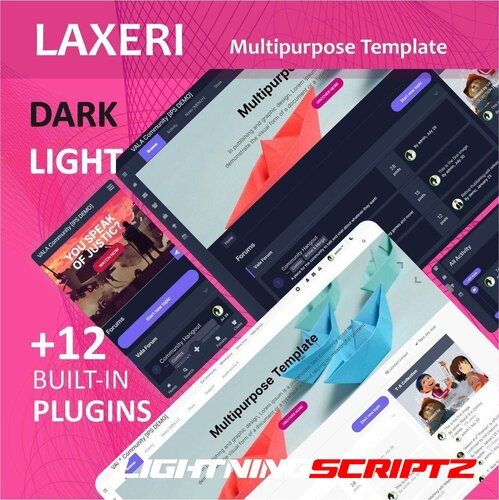
This template is prepared in two modes: dark and light, with the ability to change the color in two palettes, the default palette (similar to IPS) and the VALA palette (powerful color adjustment, which changes the color of the entire template by changing a few colors).
This template also has 12 plugins that include: top bar, pop-up, sidebar menu, call to action (CTA), scroll up, bottom navigation, download, search overlay, slideshow, dark and light switcher, share bar, and footer.
The following elements are also customizable: buttons, links, forums, topics, posts, navigation, profile picture, mobile navigation bar, main theme customization.
- 0 Downloads
-
Villain is a dark, translucent style that includes background selection, allowing your users to choose their own image from preset background images.
Style version : 4.6. ,4.7
- 0 Downloads
-
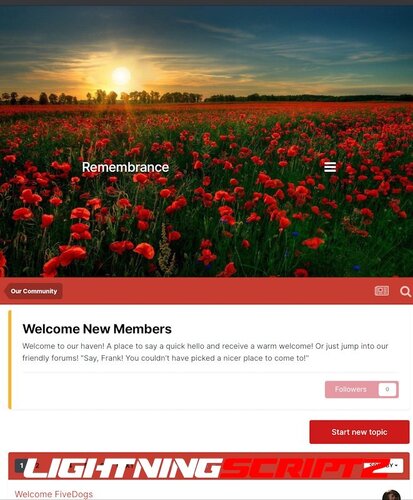
IPS Remembrance 4.7 is a clean poppy-themed design originally created for occasions such as Remembrance Sunday, Armistice Day, etc., but it can also be used year-round.
Remembrance has a thoughtful header background image that you can easily replace with custom theme settings.
Most buttons and links are decorated in poppy tones on a simple white background.
Custom theme settings include options for:
Change the background image of the header – simply upload your own cover image or delete it to return to the provided image. Adjust the top and bottom indents in the header area to adjust the position of your site title and menu. Adjust the height of the header. Easily adjust the height of the displayed header area if you prefer a larger or smaller image. Enable or disable DNS prefetching of Google web fonts.- 0 Downloads
-
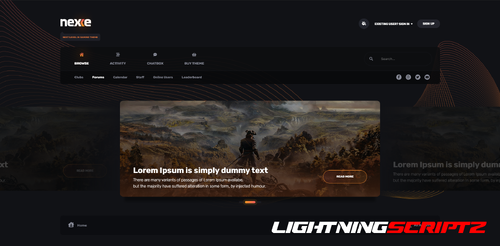
⚡ Nexxe Theme⚡
( IPS version 4.6 )
Template with a choice of ( light/dark ) color versions.
Colors and sizes using CSS Vars.
Choosing the font color, the theme has many settings and can be fully customized. It's perfect for all forums, beautifully displaying all site content.
Possibility to change header, slider, navigation, popus, forms, comments and much more.
What's New in Version 1.1.2.1
Updated template to IPS v4.7.5
- 0 Downloads
-
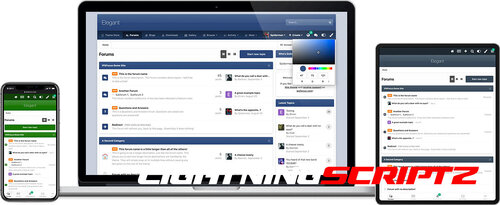
Elegant: A color picker powered theme for Invision Community.
Elegant is a minimalistic theme controlled by a color picker, allowing each of your members to choose their own unique color scheme.
- 0 Downloads
-
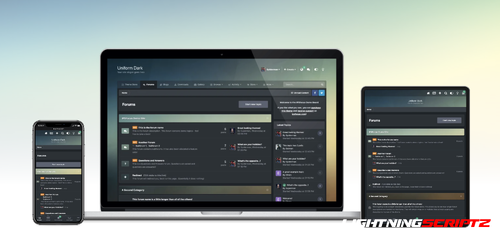
Uniform is a dark, modern theme focused around a background picker which applies a single background image throughout the entire forum, including category bars and forum icons. The theme is packed with customizable features which can be easily enabled or disabled from within the Admin Control Panel.
- 2 Downloads
-
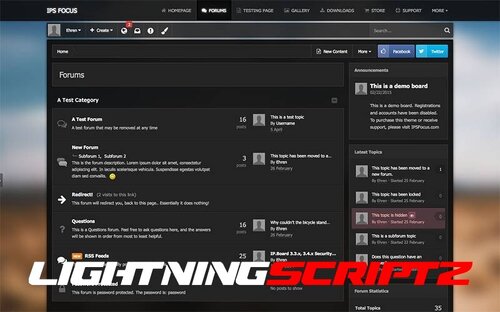
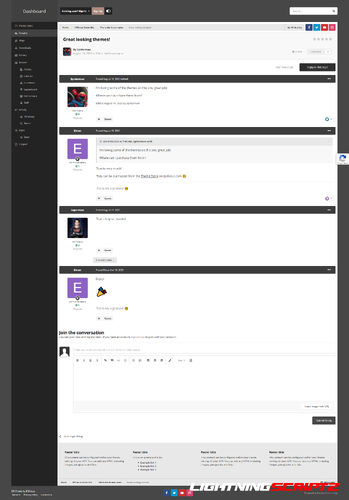
IpSFOCUS Dashboard style.
Dashboard is a feature-rich IPS theme that includes a beautiful blur effect behind the vertical navigation bar, a background changer, and "transparent" bars that allow the background image to change certain inner areas of the theme.
Demo: https://www.ipsfocus.net/themes/theme.php?id=55
- 1 Downloads