




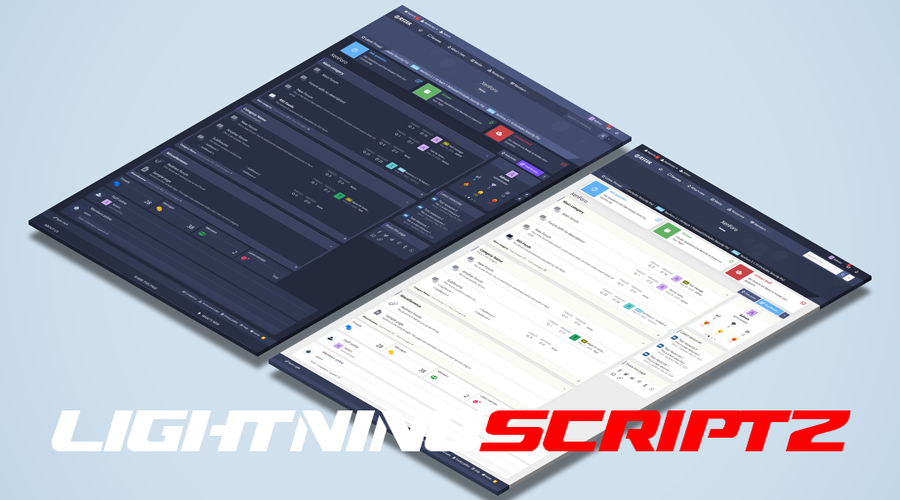
It has exciting features and excellent code quality.It has been designed and developed after thorough research to cater the requirements of people who interested in building user based directories. The design is contemporary but at the same time it focuses on the usability, visual hierarchy and aesthetics to ensure easy navigation for the end users.
With Ryzer Pro, you will have both light and dark versions. In this way, you get two themes for a single theme price.
It also comes with the threads ticker add-on and user reaction structure in the sidebar that comes with the theme.
Ryzer Pro – Premium XenForo theme with perfect responsive design and a lot of customization options available without any coding knowledge. Customize theme colors, add items to your menus, sidebar, change overall layout just with few clicks! Retina ready with support for every resolution.
RYZER PRO STYLE PROPERTIES
Main Features of Ryzer Pro:
Fully Responsive Layout
Threads Ticker
Sidebar user reactions
7 different color options
Links hover effect
Button hover effect
Navigation links hover effect
Three User Bar Layout
Font-awsome navigation icons
Font-awsome visitor menu icons
Font-awsome sidebar icons
Font-awsome notable member page icons
Font-awsome account page sidenav icons
Remove Sub-navigation row
Show/Hide Breadcrumbs
Hide Forum Title in Index Page
Collapsible Categories
Sidebar Position
Sticky Sidebar
Collapsible Sidebar and Blocks
Two Different forum Layout
Category statistics
Switchable node icons
Sticky and Normal Threads
Posting Icons
Advanced footer easily customized
Modern Cross Browser Support
And more...
You may only provide a review once you have downloaded the file.
There are no reviews to display.