

Skip to content
View in the app

A better way to browse. Learn more.

Lightning Scriptz

A full-screen app on your home screen with push notifications, badges and more.

To install this app on iOS and iPadOS
  1. Tap the Share icon in Safari
  2. Scroll the menu and tap Add to Home Screen.
  3. Tap Add in the top-right corner.
To install this app on Android
  1. Tap the 3-dot menu (⋮) in the top-right corner of the browser.
  2. Tap Add to Home screen or Install app.
  3. Confirm by tapping Install.
***You must have 1 (no bullshit) post to download files, and you are only allowed 1 file per day.***

Blackend Pro 2.2.8

(0 reviews)

1 Screenshot

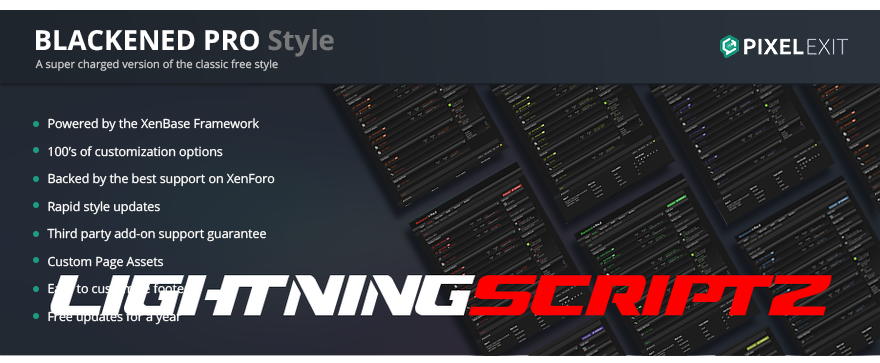
Blackened Pro is the Pro version of our free style Blackened. The Pro version has been enhanced and comes with the variety of options that are available in our XenBase style framework. 4 Different message layouts, 3 different node layouts are among the many other popular options that are ready for you to activate with the check of a box.

Blackened makes the perfect gaming style or if you are wanting to offer your users a dark style. Fully detailed throughout providing a consistent look and feel.

Special note: The XF1 version differs slightly from the XF2 version. Please see both demos and ask any questions you may have.

Compatible XF Versions 2.2

User Feedback

You may only provide a review once you have downloaded the file.

There are no reviews to display.

Account

Navigation

Search

Search

Configure browser push notifications

Chrome (Android)
  1. Tap the lock icon next to the address bar.
  2. Tap Permissions → Notifications.
  3. Adjust your preference.
Chrome (Desktop)
  1. Click the padlock icon in the address bar.
  2. Select Site settings.
  3. Find Notifications and adjust your preference.