





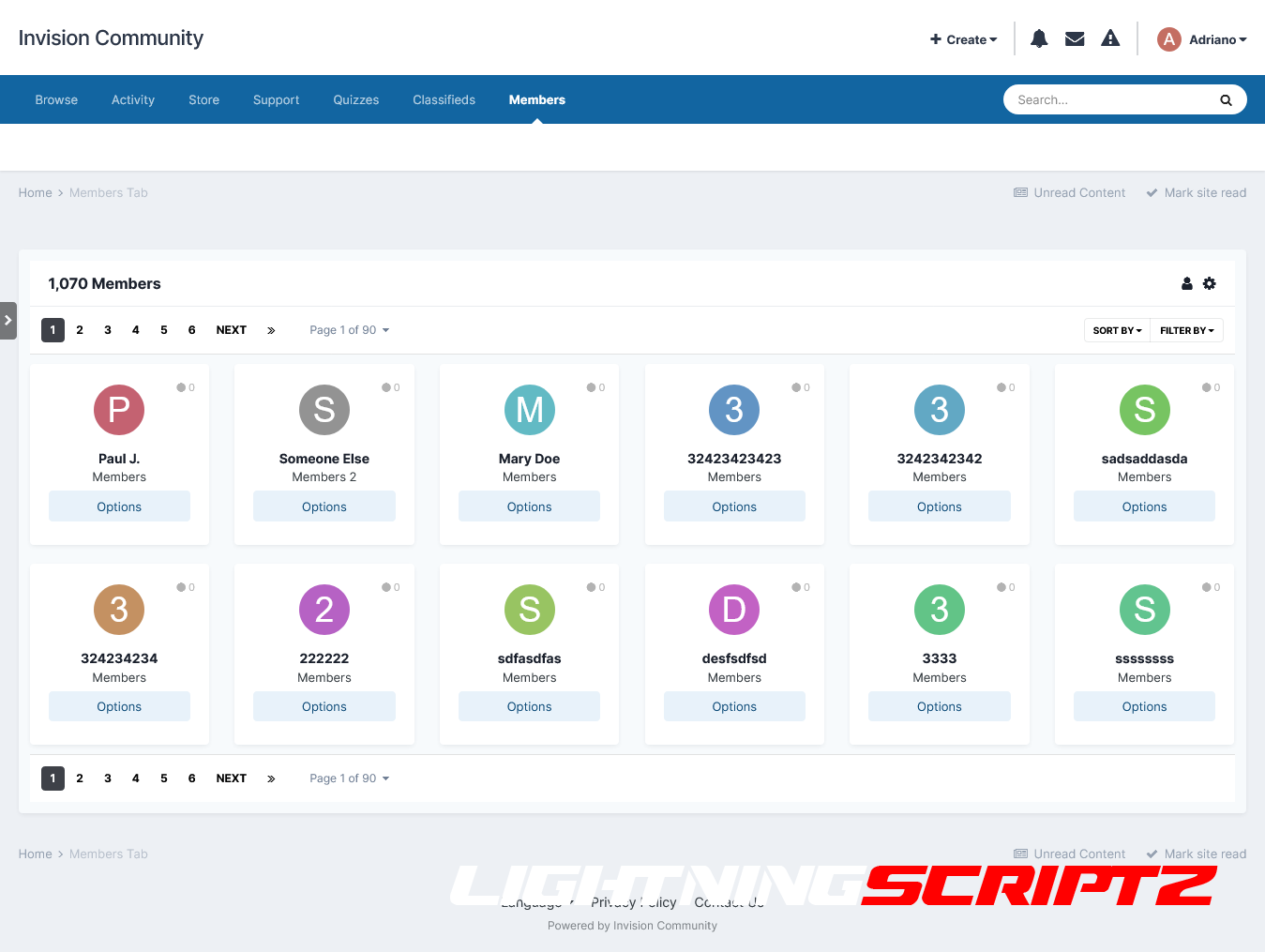
This app adds a tab to the navigation, allowing your selected member groups to view all members of your board in a neat grid.
Functions:
Adds a tab to the navigation bar
Shows a list of your registered members
Search for participant content at the touch of a button
Show a list of member information on your board
Shows a group of users
Shows the user principal ID
Shows the number of user subscribers
Shows the amount of user content
Shows the ratio of the number of user messages per day
Shows the number of days won by the user
Shows the date users joined
Shows the number of days during which the user was registered on the site.
Shows the online status of participants
Shows the last activity of participants
Shows the birthday of the participants
Shows the age of participants
Shows the participants' time zone
Shows the last used participant device
Show list of member clubs they have joined
All of the above information can be shown or hidden in the ACP (YOU ARE NOT REQUIRED TO SHOW ALL), you can also choose which groups of users can view each bit of information
Sort list by
Registration Date
Number of messages
Username
Group of participants
Custom sorting by
Number of messages ( ANY, MORE X SUM, LESS X SUM, EXCLUSIVE X SUM)
Reputation Points (ANY, MORE THAN X AMOUNT, LESS X AMOUNT, EXCLUSIVE X AMOUNT)
Date of accession ( BETWEEN )
Last visit ( BETWEEN )
Last Post ( BETWEEN )
Choose which user groups can use/view the members tab
IPS Version 4.7
-
 1
1
-
 2
2
You may only provide a review once you have downloaded the file.
There are no reviews to display.